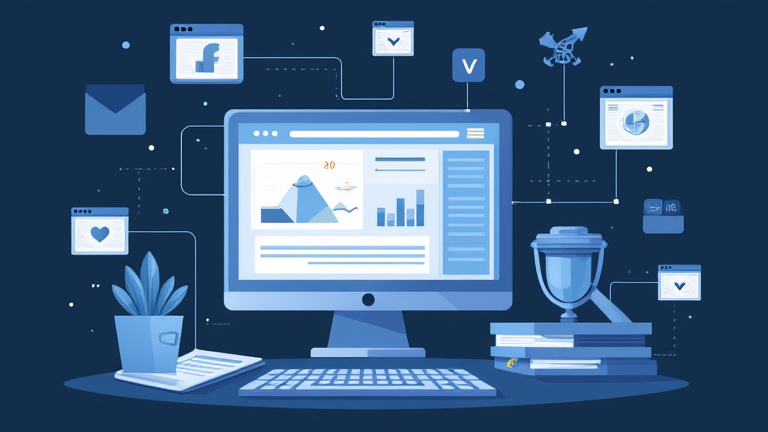
TL;DR: Use Zapier to connect disparate business applications, allowing data to flow automatically between them without writing code. This strategy eliminates manual data entry errors and frees up valuable employee time for high-value strategic tasks.
The Rise of No-Code Automation
The global business process automation market is projected to reach significant heights by 2030, driven by the urgent need for operational efficiency. Companies are increasingly adopting no-code platforms like Zapier to bridge the gap between legacy systems and modern SaaS tools. This shift is not merely about convenience; it is a strategic imperative for scaling operations without proportional increases in headcount. By automating repetitive workflows, businesses can reduce operational costs by up to thirty percent while improving data accuracy across departments.
Strategic Implementation Insights
Successful automation begins with identifying bottlenecks. Leaders should audit their current workflows to find tasks that are high-volume but low-complexity. Common candidates include lead capture from web forms to CRM systems, invoice generation from payment gateways, and employee onboarding notifications. Once identified, map out the trigger and action steps clearly. For instance, when a new lead is added to a marketing platform, Zapier can automatically create a contact in the sales CRM and send a personalized welcome email. This seamless integration ensures that sales teams have immediate access to fresh leads, reducing response time and increasing conversion rates.
Real-World Case Studies
Consider a mid-sized e-commerce retailer that struggled with inventory management. By connecting their Shopify store with their accounting software via Zapier, they automated order processing and financial reconciliation. This change reduced manual entry time by twenty hours per week, allowing the finance team to focus on cash flow analysis rather than data entry. Another example is a digital marketing agency that used Zapier to sync client feedback from surveys directly into their project management tool. This real-time data flow enabled managers to adjust strategies immediately, improving client satisfaction scores by fifteen percent within six months. These cases demonstrate that automation is not just about speed; it is about creating a responsive, data-driven organization.
FAQ
Q: Is Zapier suitable for non-technical users?
A: Yes, Zapier is designed specifically for non-technical users, featuring a drag-and-drop interface that requires no coding knowledge to create automated workflows.
If you want to dig deeper, check out our guide on Which Current Scientific Discovery Will Be a 2100 Turning Po.
Q: How does Zapier handle data security?
A: Zapier employs enterprise-grade security measures, including SSL encryption and SOC 2 compliance, to ensure that data transferred between applications remains secure and private.
Q: Can Zapier integrate with custom internal software?
A: Yes, through Zapier’s Webhooks and Code by Zapier features, you can connect custom internal software or APIs that are not natively supported in their library.