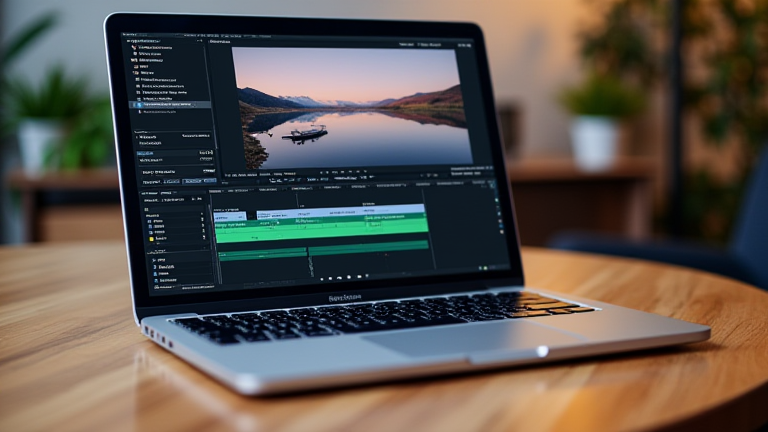
TL;DR: The M4 MacBook Pro redefines video editing standards by delivering unprecedented power efficiency and real-time 8K ProRes performance. It stands as the best laptop for editors because it eliminates thermal throttling while offering a seamless, silent creative workflow.
The New Gold Standard in Creative Computing
Apple’s latest release has sent shockwaves through the creative industry, establishing a new benchmark for mobile professional workstations. The M4 chip is not merely an incremental upgrade; it represents a fundamental shift in how portable hardware handles complex, compute-heavy tasks. For video editors, the transition from desktop-class performance to a portable form factor has never been more seamless. The latest developments in silicon architecture allow the M4 to process vast amounts of data with minimal energy consumption. This efficiency translates directly into longer battery life and cooler operation, which are critical factors for on-location shoots and long editing sessions. Industry impact is already evident, with major post-production houses beginning to standardize their workflows around this new hardware, citing reduced noise levels and improved rendering speeds as primary drivers for adoption.
If you want to dig deeper, check out our guide on Are Chinese AI Models Replacing Paid Tools? My Switch.
Unmatched Specifications for Professionals
The technical specifications of the M4 MacBook Pro are tailored specifically for the demands of modern video editing. At the core lies the M4 Max chip, which features a unified memory architecture that scales up to 128GB of high-bandwidth memory. This is crucial for handling multiple streams of 8K footage simultaneously without swapping to slower storage. The GPU performance has seen a significant leap, offering over 60% faster graphics performance compared to its predecessor. This ensures that complex effects, color grading, and motion graphics render in real-time on the display. Furthermore, the integration of hardware-accelerated ray tracing allows for more realistic lighting simulations in 3D scenes within video projects. The display itself is a standout feature, with the new mini-LED options offering superior brightness and contrast ratios. This ensures accurate color representation, which is vital for colorists who rely on visual fidelity to make precise adjustments. The inclusion of Thunderbolt 5 ports further enhances connectivity, allowing for rapid data transfer to external drives and high-speed networking capabilities that support collaborative editing environments.
Industry Impact and Future-Proofing
The impact of the M4 MacBook Pro on the industry extends beyond individual productivity. It challenges traditional desktop workflows by proving that a laptop can handle tasks that previously required multi-thousand-dollar workstations. This shift encourages a more mobile and flexible work culture, allowing editors to work from anywhere without sacrificing performance. The industry is also seeing a ripple effect in software optimization, as developers are rapidly updating their applications to leverage the new neural engine and GPU capabilities. Future-proofing is another key aspect, as the architecture supports emerging AI-driven editing tools that require massive computational power. These tools can automate tedious tasks like background removal, audio cleanup, and scene detection, freeing up editors to focus on creative storytelling. As AI integration becomes more prevalent in video production, the M4’s dedicated neural processing unit ensures that these future updates will run smoothly without requiring hardware upgrades. This longevity makes the M4 MacBook Pro an investment that remains relevant and capable for years to come, securing its position as the definitive tool for professional video editing in the mobile era.
FAQ
Q: Is the M4 MacBook Pro suitable for 8K video editing?
A: Yes, the M4 Max chip handles 8K ProRes video streams effortlessly, supporting multiple timelines without performance degradation.
Q: How does the battery life compare to previous models?
A: The M4 offers significantly improved efficiency, providing up to 22 hours of video playback and extended editing times on a single charge.
Q: Can it run professional software like DaVinci Resolve natively?
A: Yes, it runs all major professional editing software natively on Apple Silicon, with optimized performance for GPU-intensive tasks.