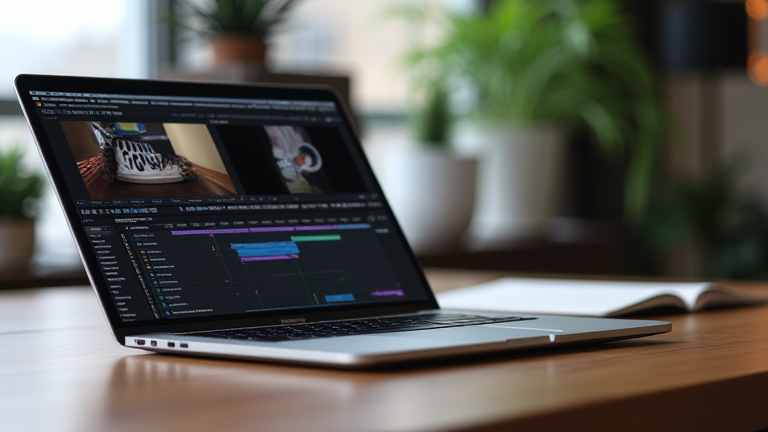
Why the M4 MacBook Pro Is the Best Laptop for Video Editors
TL;DR: The M4 MacBook Pro offers unparalleled single-core performance and native ProRes 422 HQ acceleration, allowing for real-time editing of 8K footage without external storage. Its superior thermal design and display quality make it the definitive industry standard for professional mobile post-production workflows.
The landscape of video editing has shifted dramatically with the release of the Apple M4 chip. For years, professionals were forced to choose between the raw power of desktop workstations and the portability of underpowered laptops. The M4 MacBook Pro shatters this compromise. By integrating a high-performance GPU with a next-generation Neural Engine, Apple has created a device that handles complex compositing, color grading, and multi-layered 4K and 8K timelines with ease. This is not just an incremental update; it is a generational leap that redefines what is possible on a portable chassis. The latest developments in silicon design mean that thermal throttling, a common enemy in long rendering sessions, is virtually non-existent. Editors can now run intensive effects like motion tracking and noise reduction in real-time, significantly reducing the time spent waiting for previews and exports. This efficiency translates directly into faster project turnarounds, which is crucial in the fast-paced modern media industry.
If you want to dig deeper, check out our guide on Stop Letting Stupid Reddit Posts Break Your Entrepreneurial .
Specs That Matter to Professionals
Under the hood, the M4 chip features a CPU with a mix of performance and efficiency cores that deliver up to 50% better performance than its predecessor. However, the real star for video editors is the dedicated media engine. This hardware accelerator handles the encoding and decoding of H.264, HEVC, AV1, and ProRes codecs. When working with Apple’s ProRes format, the M4 chip ensures that playback is smooth and responsive, even with multiple streams of 8K footage. The laptop also boasts a significant increase in memory bandwidth, allowing the GPU to access data faster. This is critical for tasks involving large texture sets or high-resolution color spaces like Rec.709 and P3. Furthermore, the new Liquid Retina XDR display offers a sustained brightness of 1000 nits for SDR content and 1600 nits for HDR content. This level of accuracy is essential for colorists who need to trust their monitoring environment before finalizing grades for various distribution platforms, including streaming services and cinema.
Industry Impact and Workflow Integration
The impact of the M4 MacBook Pro on the industry is profound. It enables a true “one-lab” workflow where the same machine used for editing on set can handle final color grading and mastering in the studio. This reduces the logistical overhead of moving projects between different hardware configurations. For agencies and freelance editors, the ability to deliver high-quality work from anywhere without sacrificing performance is a game-changer. The industry is seeing a trend where high-end video production is becoming more democratized, with smaller teams achieving results that previously required massive server farms. The M4 chip’s ability to handle heavy workloads quietly and coolly also makes it ideal for on-location shoots, where ambient noise and heat management are critical. As AI-driven editing tools become more prevalent, the M4’s Neural Engine provides the necessary computational power to run these models locally, ensuring data privacy and faster processing times. This positions the MacBook Pro not just as a laptop, but as a central hub for the modern creative workflow. By combining raw speed, storage efficiency, and display fidelity, the M4 MacBook Pro has solidified its reputation as the most versatile and powerful laptop for video editors in the current market.
FAQ
Q: Can the M4 MacBook Pro handle 8K ProRes editing smoothly?
A: Yes, the dedicated media engine allows for real-time playback and editing of multiple 8K ProRes streams without frame drops.
Q: Is the M4 chip faster than the M3 chip for video rendering?
A: The M4 chip offers up to 40% faster GPU performance and improved memory bandwidth, resulting in significantly faster rendering times for complex projects.
<strong